Commit: 177885d4653a817c0c9f8fba5fe85553a3bd5851
Problem it solves
Obsidian vaults often start as flat structures: hundreds or thousands of .md notes and embedded images (.png, .jpg, etc.) all in one root folder. While Obsidian’s link syntax keeps everything connected beautifully during daily use, this becomes painful when you want to:
- Compile a set of related notes + visuals into a clean, self-contained folder (e.g., for portfolio articles, blog posts, GitHub repos, or sharing).
- Avoid breaking links in other notes that reference the same shared images.
Manually copying files risks orphaning links or duplicating assets. This script automates safe bundling.
What the script does
Given a single target note (by path or name), the tool:
- Scans your entire Obsidian vault to collect every image reference across all.md files.
- Identifies which images are referenced only in the target note (unique → safe to move).
- Prompts for a destination folder name (defaults to note title with underscores).
- Creates the folder (if needed) in the note’s parent directory.
- Moves:
- The target .md note itself
- Only its uniquely referenced images
- Leaves shared images untouched to prevent breaking links elsewhere.
Result: A tidy, portable sub-folder containing the note + its exclusive assets, ready for exporting or publishing — without side effects.
Key technical highlights
- File system handling — Uses pathlib.Path for cross-platform safety (rglob, resolve, expanduser).
- Safe moves — shutil.move only on verified unique files + the note itself.
Demo
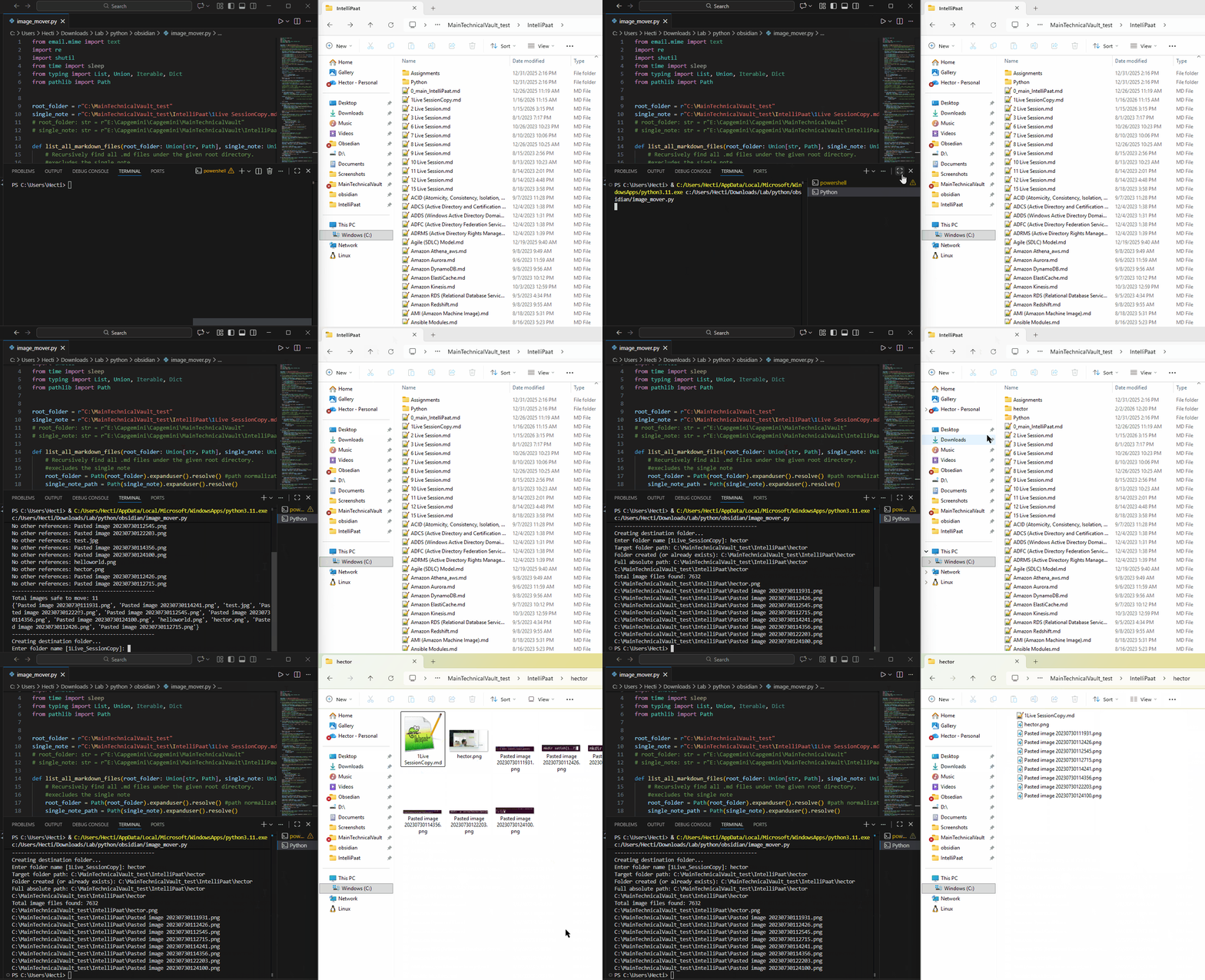
Update: OOP Structure Refactoring
Here’s the commit where the OOP version came together: OOP refactor obsidian image_mover
What changed?
I introduced three main classes with clear responsibilities:
- Vault Knows everything about the overall Obsidian folder structure → lists all .md files, lists all images, handles path normalization
- Note
Represents the single markdown file we’re working on → extracts all image references from its content (using regex on
![[...]]and[[...]]links) - ImageMover The “business logic” coordinator → finds images that are unique to our note → creates the destination folder (user prompt or default name) → safely moves the note + its exclusive images